In today’s competitive job market, submitting a resume isn’t enough — you have to make sure it actually gets seen. Most companies now use Applicant Tracking Systems (ATS) to scan and filter resumes before a recruiter even looks at them. That means a beautifully designed resume can still be rejected if it’s not ATS-friendly. Learning how to tailor your resume for these systems can dramatically improve your chances of landing an interview.
ATS are designed to scan resumes for specific keywords, skills, and job-related criteria. If your resume doesn’t include the right terms or uses complicated formatting, it may get filtered out automatically. Start by carefully reading the job description and highlighting relevant keywords — such as skills, tools, certifications, and role-specific terminology — then naturally include them throughout your resume.
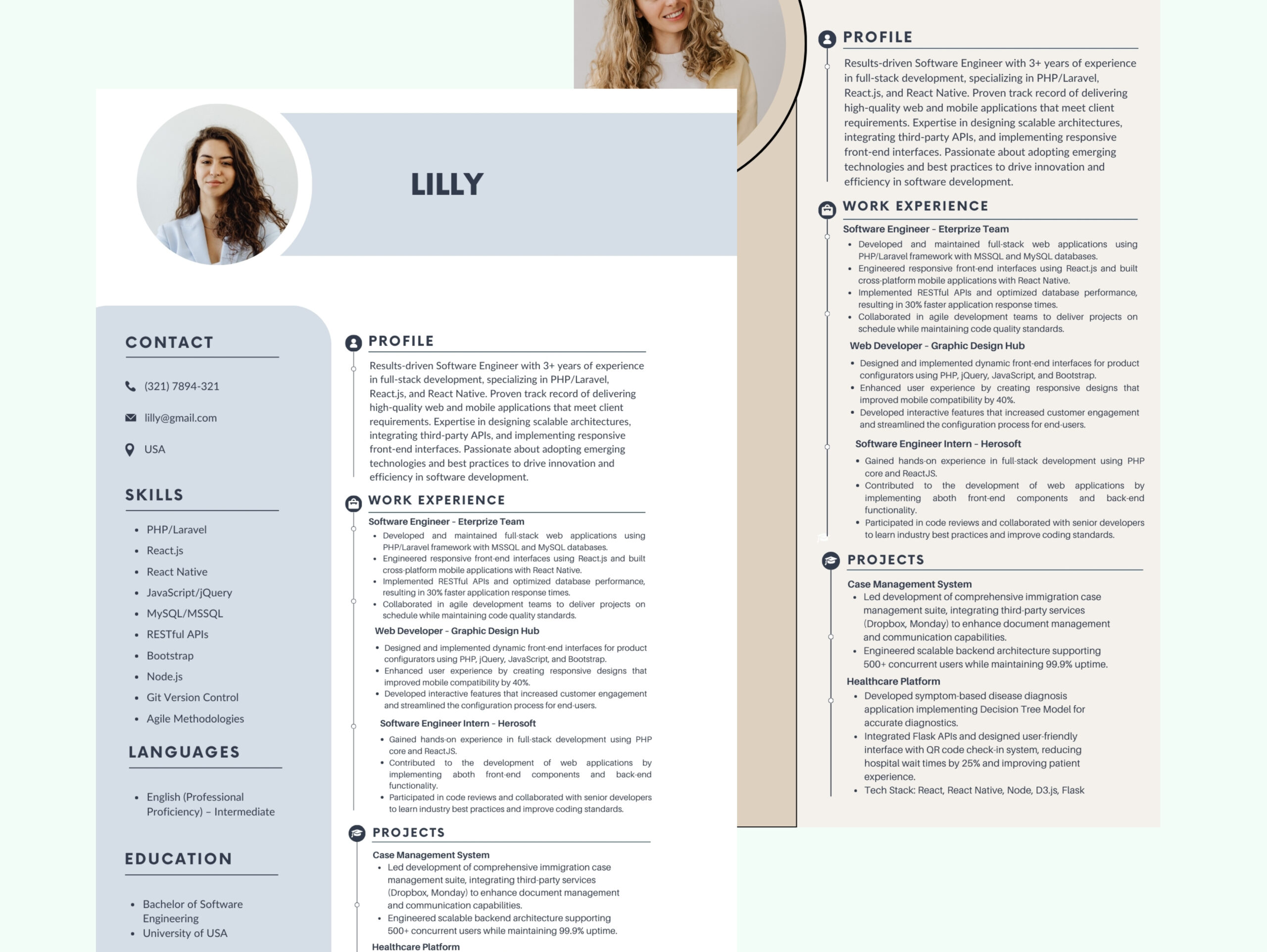
Use a clean, simple format: standard headings like Work Experience, Education, and Skills help the software parse your document correctly. Avoid using images, tables, text boxes, or fancy fonts that can confuse the system. Save your file as a Word document or PDF (if the job portal accepts it) to ensure compatibility.
Also, customize your resume for each application. A generic resume might skip over key requirements that the ATS is screening for. Finally, use free ATS-checker tools online to scan your resume before submitting it. They’ll highlight which keywords are missing and how well your document aligns with the job posting.